Send money to Philippines
Benefit from bank-beating rates, low or no fees, and dedicated support when you send money to Philippines










How long does it take to send money to Philippines?
Sending money to Philippines (PHP) from Sweden (SEK) can take anywhere from just minutes to up to 3 business days, depending on your payment method. For many popular routes, Xe offers same-day transfers or even instant transfers as soon as we receive your funds.
How much does it cost to send money to Philippines?
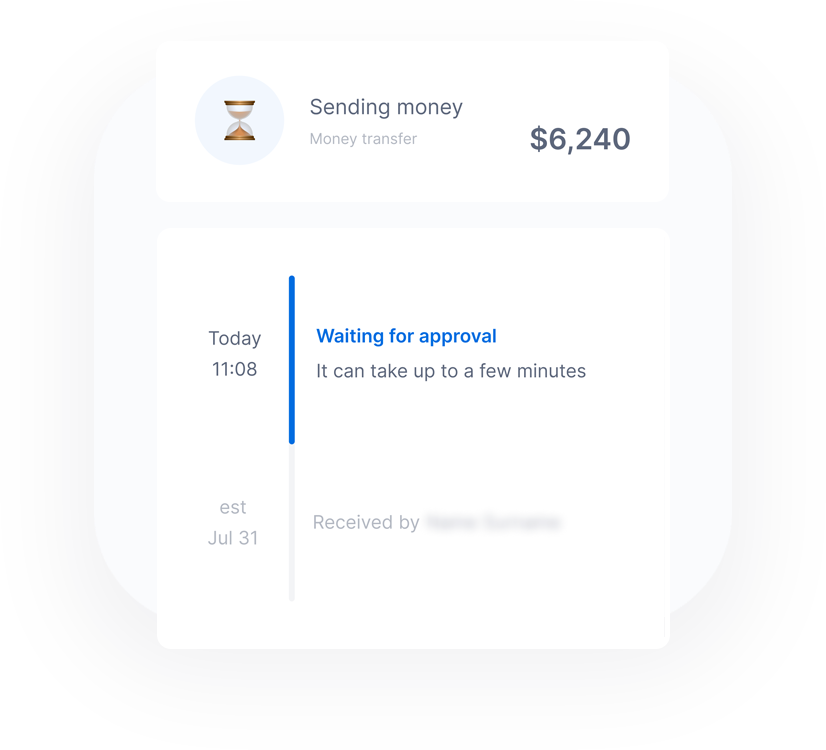
The cost of sending money to Philippines varies depending on several factors, such as the payment method, transfer amount, and the speed of the transfer. You can expect transparent pricing, with no surprise fees, so you always know exactly how much your transfer will cost before you send it.
How to send money to Philippines with Xe

Izradi račun
Potrebno je samo nekoliko minuta. Sve što nam treba je vaša adresa e-pošte i neke dodatne informacije.

Trenutna ponuda
Primajte tečaj prijenosa novca uživo koji je bolji od bankovnog za odabranu valutu.

Pošalji novac
Dodajte sve potrebne podatke i postavite transfer. Čim prikupimo sredstva, mi ćemo se pobrinuti za ostalo.

Pratite svoj transfer
Pratite svoj transfer u svakom koraku pomoću naše Xe aplikacije. Omogućite obavijesti kako biste primali ažuriranja o napretku vašeg prijenosa.
Why use Xe to send money to Philippines?

Maximize your money
Competitive exchange rates and low fees ensure you keep more money in your pocket when you send money to Philippines.

What you see is what you get
Say goodbye to surprise fees. With Xe, view and compare live exchange rates so you always know how much you’re saving, sending, or receiving.

Fast, reliable transfers
Enjoy fast and efficient transfers, regardless of the amount. Our streamlined system ensures your money reaches its destination fast.

Trusted & secure for 30+ years
Our reputation is built on trust. Over 280M people rely on our secure services to process thousands of global transactions daily.
Recommended by 80,540 verified customers
Send money to Philippines with the Xe app
The Xe Currency app has everything you need for international money transfers. It's easy, secure, and there are no surprise fees. Download the Xe App for iOS or Android and start sending money to Philippines today!
Transfer more Filipinski pezosi per Švedske krune when you send with Xe
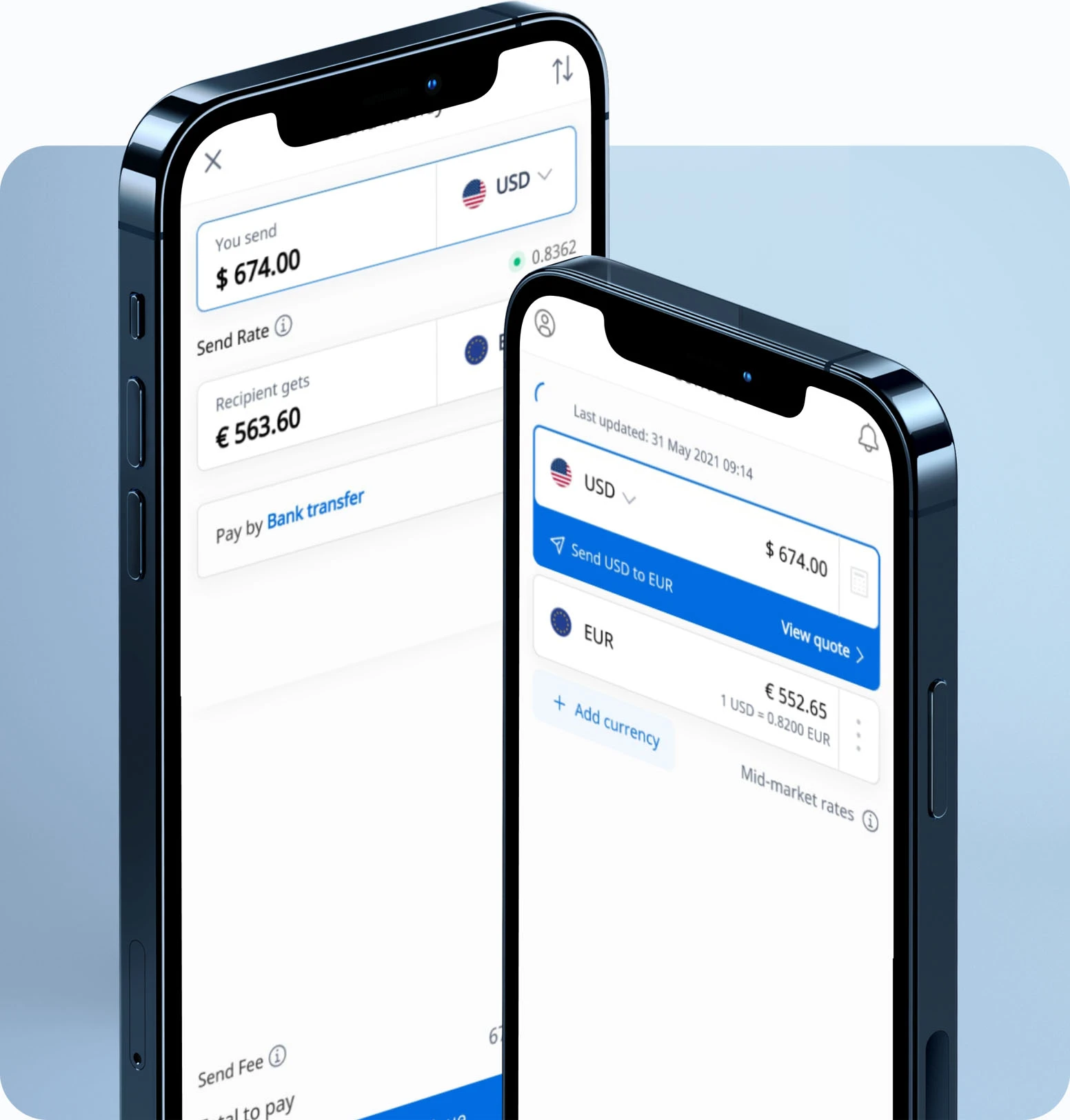
Take advantage of Xe's current sending rate of 6.3562 per Švedske krune when you transfer SEK 1,000.00 Švedske krune today, giving your recipient ₱6,356.20 Filipinski pezosi.

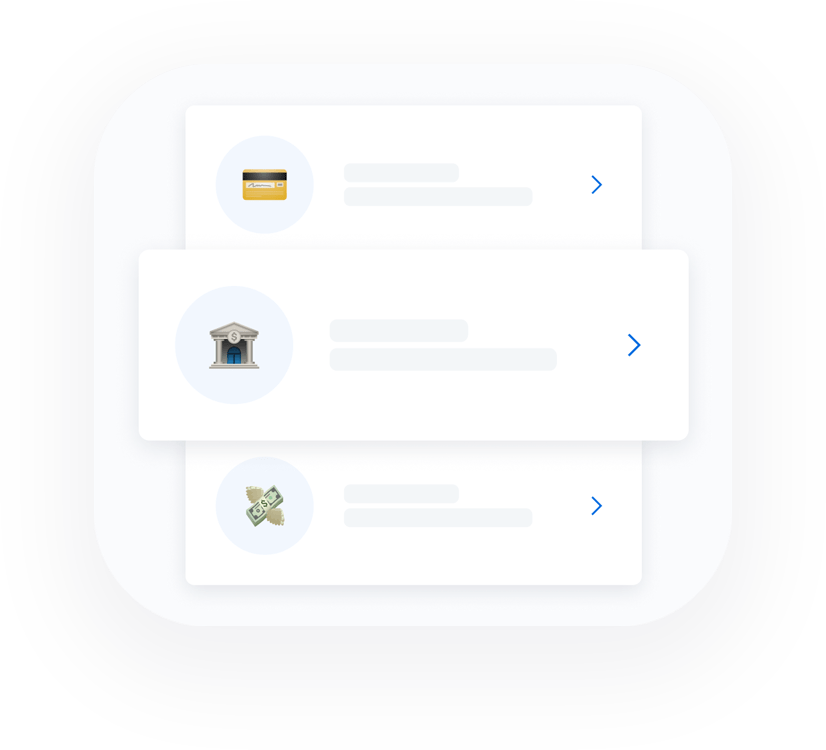
Best ways to send money to Philippines

Debit Card
Payment by debit card is our fastest payment method. It’s also usually cheaper than credit card, as credit cards are more expensive to process.
Credit Card
Paying for your transfer with a credit card is easy and fast. However, card payments come with a small additional fee.

Direct Debit (ACH)
Direct debit (ACH) is a transfer authorising a one-time debit from your bank account to ours. It takes a little more time for your money to reach Xe, and as a result, can delay the speed of transfer.

Bank Transfer
A bank transfer or wire transfer is an electronic payment which sends money directly from one bank account to another. Bank transfers can be slower than Debit or Credit cards, but they are usually cheaper.
Best ways to receive money in Philippines

Bank Deposits
Send money directly to bank accounts throughout Philippines.
Deposited in minutes.

Cash Pickup
Collect money from over 17,000 locations throughout Philippines. Available exclusively in the Xe app. Pickup instantly.

Mobile Wallets
Send directly to your loved one’s mobile wallet in Philippines using trusted providers. Exclusively in the latest version of the Xe app.
Deposited instantly.
Send money to Philippines with confidence
It's fast, simple and easy.
As part of the Euronet Worldwide family, our customers trusted us last year to securely process over $115 billion worth of international money transfers. With transparent rates and a simple platform, we make it easy to send money abroad.
Send money from 22+ countries
Popular Destinations


Philippines Money Transfer Frequently Asked Questions (FAQs)
Do you have questions about sending money to Philippines? Read our FAQs to learn more.
It's quick and easy to send money to Philippines with Xe.
Sign in to your Xe account or sign up for a free account.
Initiate a transfer to the Philippines, and enter the currency you’d like to transfer and the amount.
Enter your recipient’s bank information.
Provide your payment information. We accept direct debit, bank transfers, and card payments.
Confirm your transfer, and leave the rest to us.
Some of our transfers to Philippines come with a small fee, depending on the amount you’d like to send and your payment method. We'll let you know about this fee before you confirm your transfer.
You should allow 1-4 working days for your money to arrive in Philippines, though many transfers arrive more quickly. Before you confirm your transfer, you’ll see a more exact estimate of when your money will arrive after we receive your funds.
You can send up to $535,000 USD (or the currency equivalent) to Philippines online. If you’d like to send more than that, you can contact our dedicated team to arrange a larger transfer.
The best way to for you to send money to Philippines will depend on what you’re looking for in a money transfer. The payment method you choose can impact the speed of your transfer, as well as whether you’ll need to pay any extra fees. You can read more about our payment methods here.
Šaljite novac izravno na mobilne uređaje prijatelja i obitelji u više od 35 zemalja uz Xe.
Mobilni novčanici pružaju brz i siguran način slanja, pohrane i primanja novca. Nakon što primimo uplatu, transfer je dostupan u aplikaciji novčanika primatelja u roku od nekoliko minuta.
Dostupno korisnicima u Ujedinjenom Kraljevstvu, Europi, Kanadi, Novom Zelandu i SAD-u od verzije aplikacije 7.14.0 i online. Ažurirajte svoju aplikaciju za najnovije značajke.
Za slanje novca na mobilni novčanik:
Prijavite se na svoj Xe račun putem interneta ili u aplikaciji.
Kliknite "Pošalji" u aplikaciji ili "Pošalji novac" online.
Odaberite 'Zemlju odredišta'.
Ispunite polje 'Vi šaljete' ili 'Primatelj prima'.
Odaberite način plaćanja. Za hitne transfere koristite debitnu ili kreditnu karticu.
Kao opciju dostave odaberite 'Mobilni novčanik'.
Navedite razlog prijenosa.
Platite svoj transfer.
Novac ćemo poslati na mobilni novčanik primatelja nakon što primimo vašu uplatu.